
Constituent Tab: Explained
On the Constituent tab, you will find all the Constituents (Donor contacts). This list is populated from the Constituent import template or by the Raisers Edge NXT integration.
- Sort by any of the columns or export the full list as an XLSX or CSV
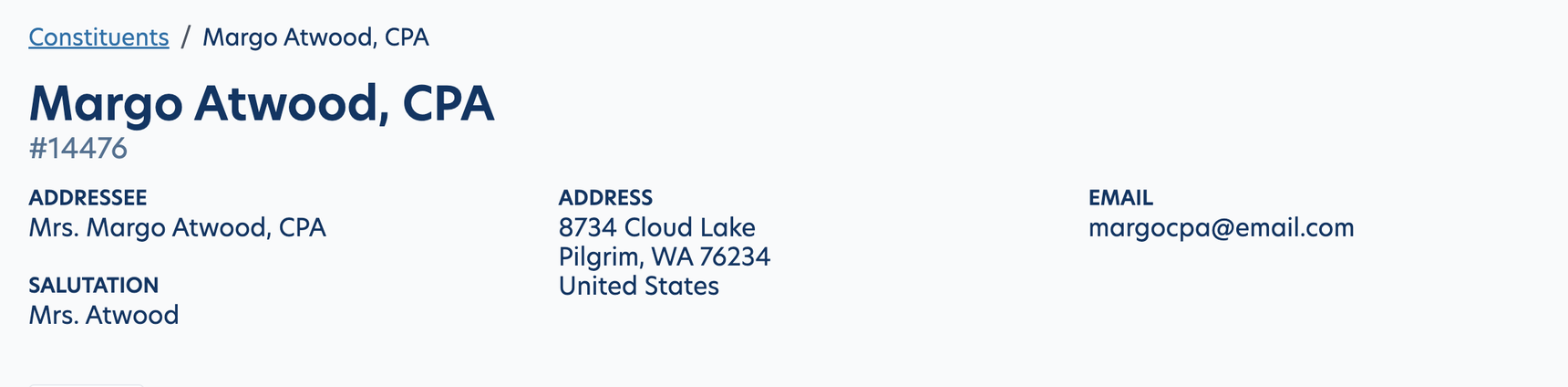
Click into the Constituent to find contact Information (addressee, salutation, address and email)
Funds
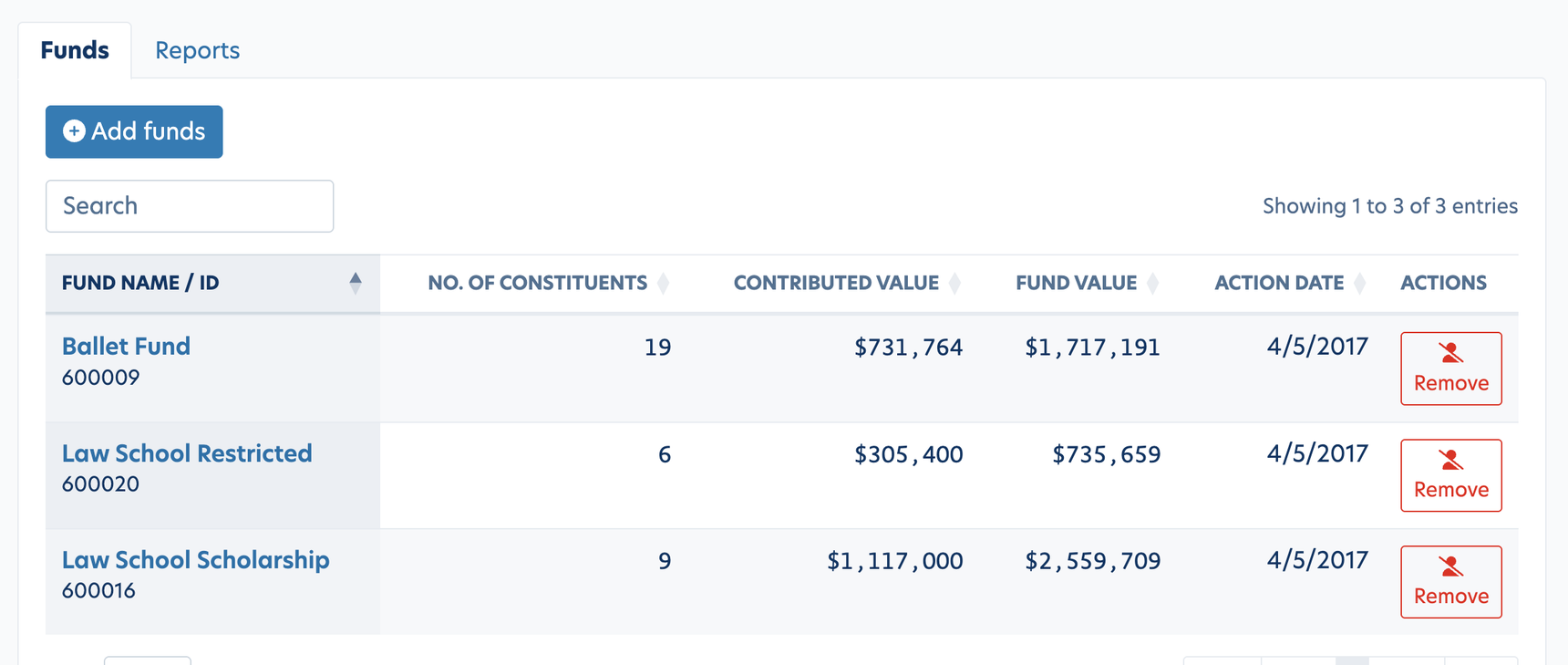
Displayed on this page, you will find the name of funds that are attached to this Constituent.
Here you can Add Funds or Remove from Funds.
Note: If you manually add a constituent on this page, make sure to also add that constituent to your Fund to Constituent mapping file as that that file must include ALL relationships).
Reports
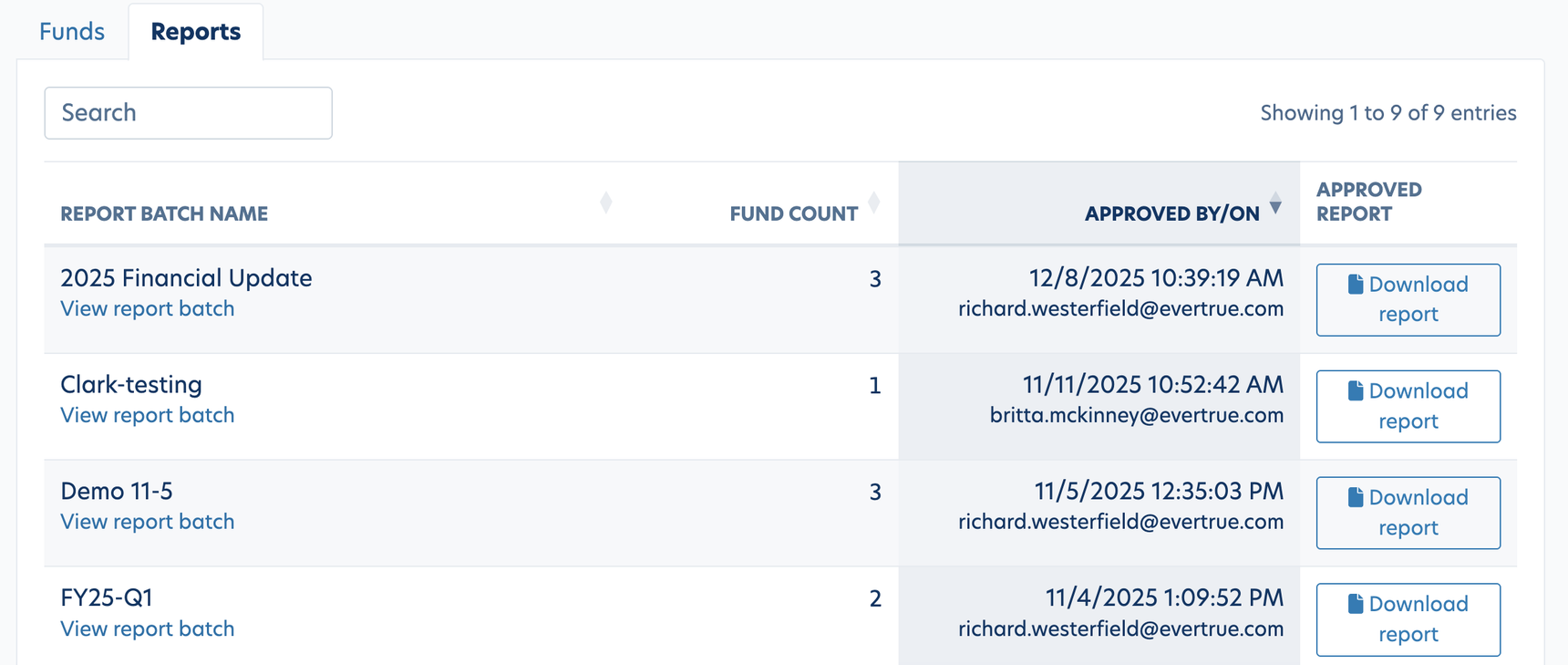
Displayed on this page, you will find all reports that have been ran for this Constituent. (Note: The report will need to have been "approved" to appear here. If the report is still in "draft" status, it will not appear on this tab). This tab will show when the report was ran and allow you download any previous reports.
Reply
Content aside
- 5 mths agoLast active
- 15Views
-
1
Following