
Impact Statement Template Page Examples
The standard Impact report template has flexible layout options for displaying impact information. You can choose a different layout option based on the impact statement you are including.
Impact Statement Types
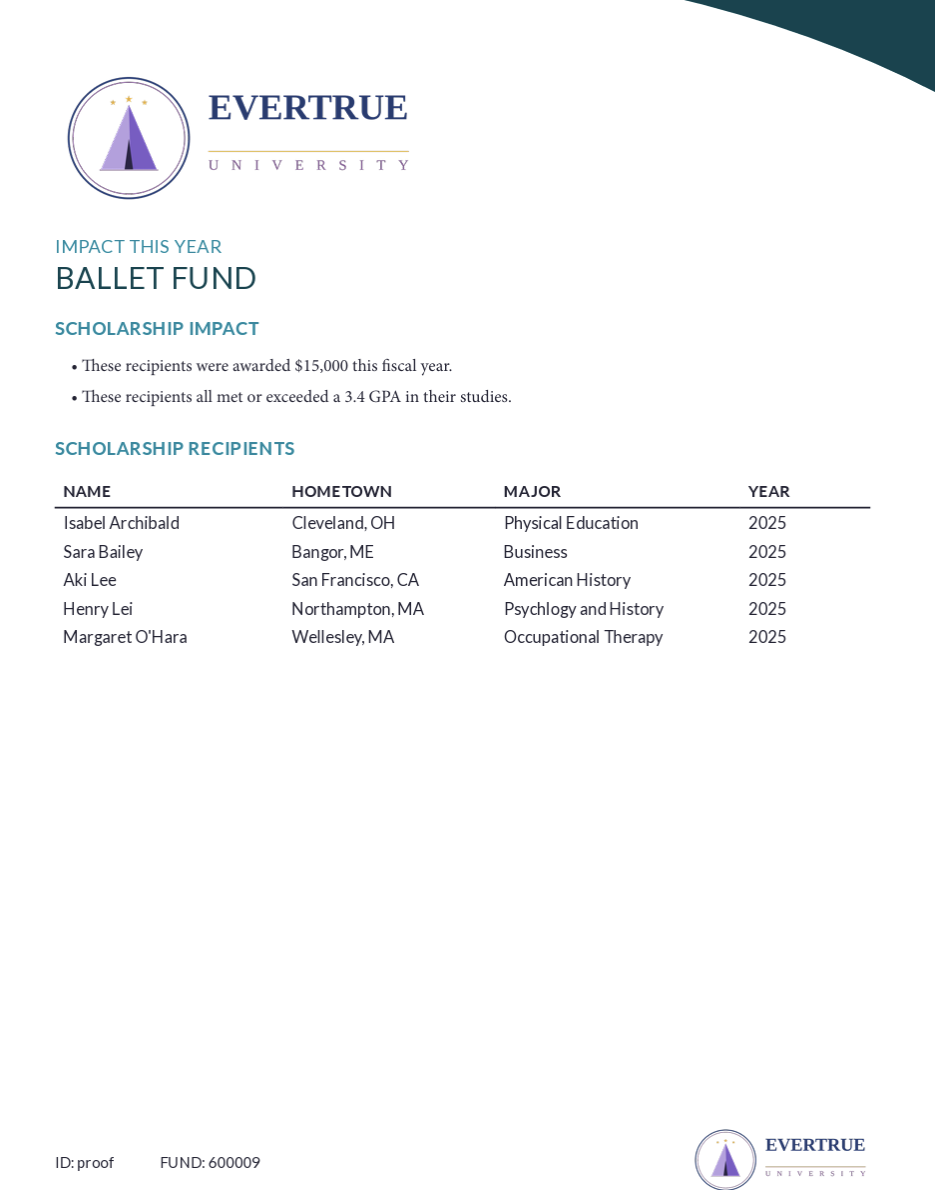
Recipient Page: Used for listing scholarship recipient names. There is also an option to add fund specific bullets to the top of this page through the Recipient Bullet import.
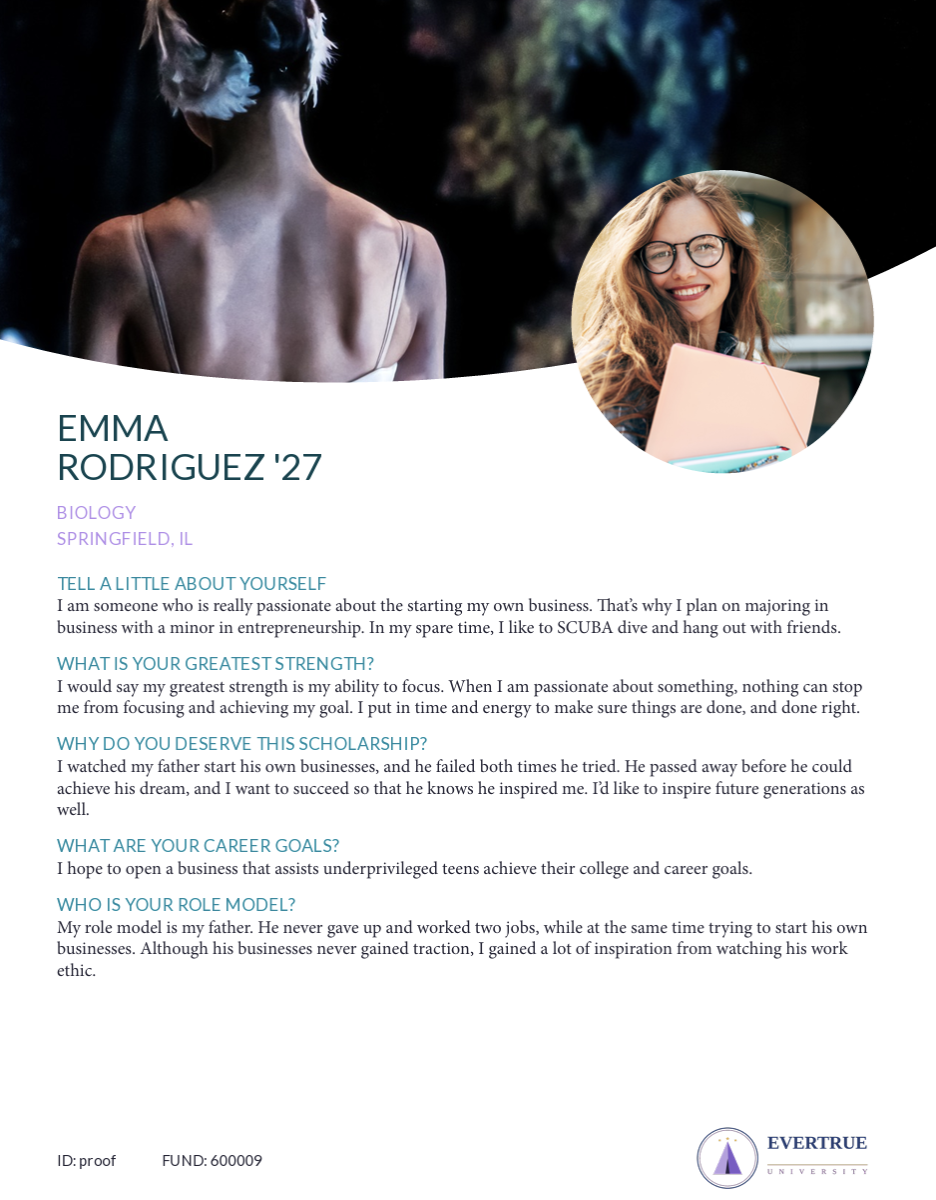
Question & Answer: Used for populating Questions and Answers (up to 5) for any fund recipients for a specific reporting period
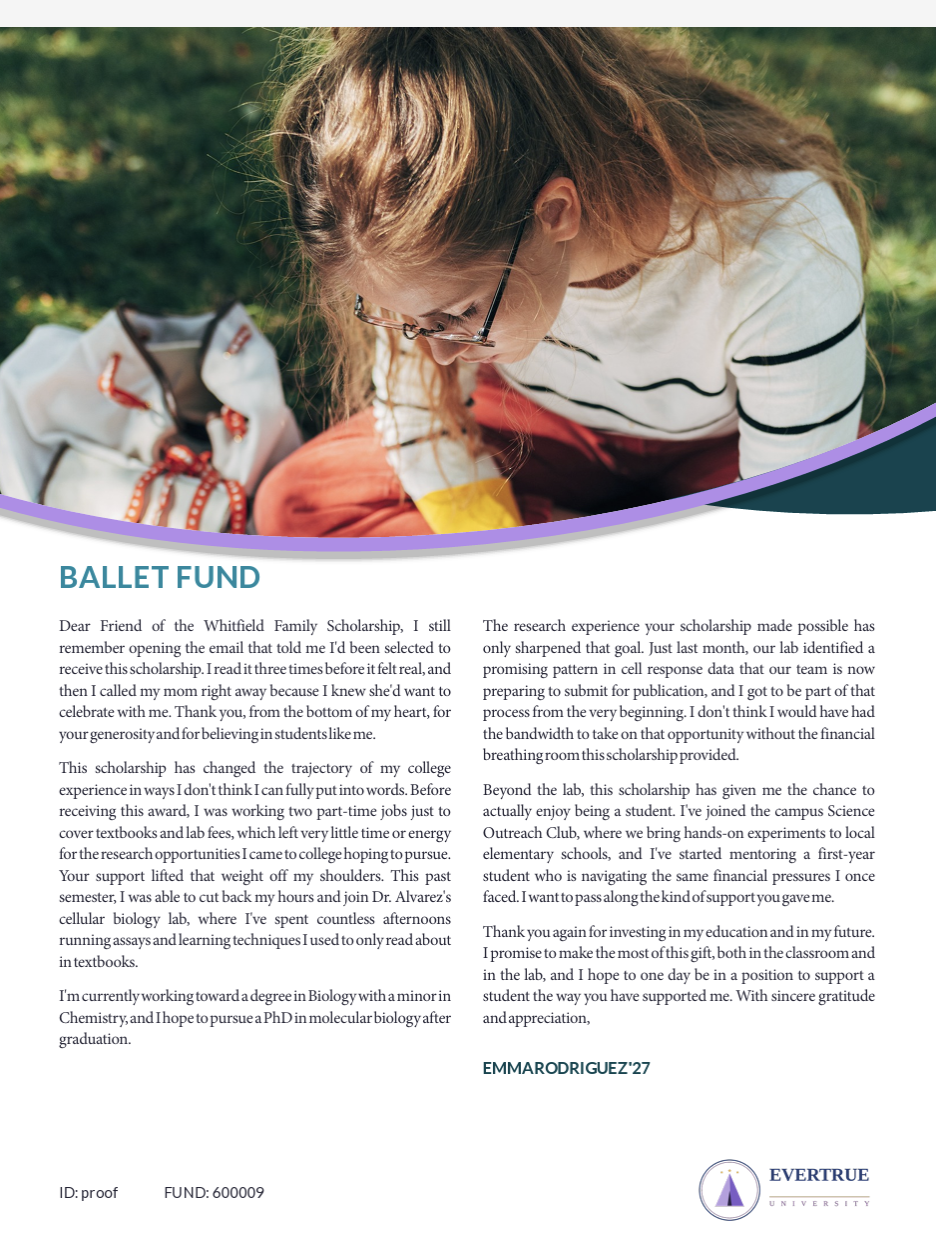
Thank You (horizontal): Used for populating a Thank You message (5 paragraphs) for any fund recipients for a specific reporting period.
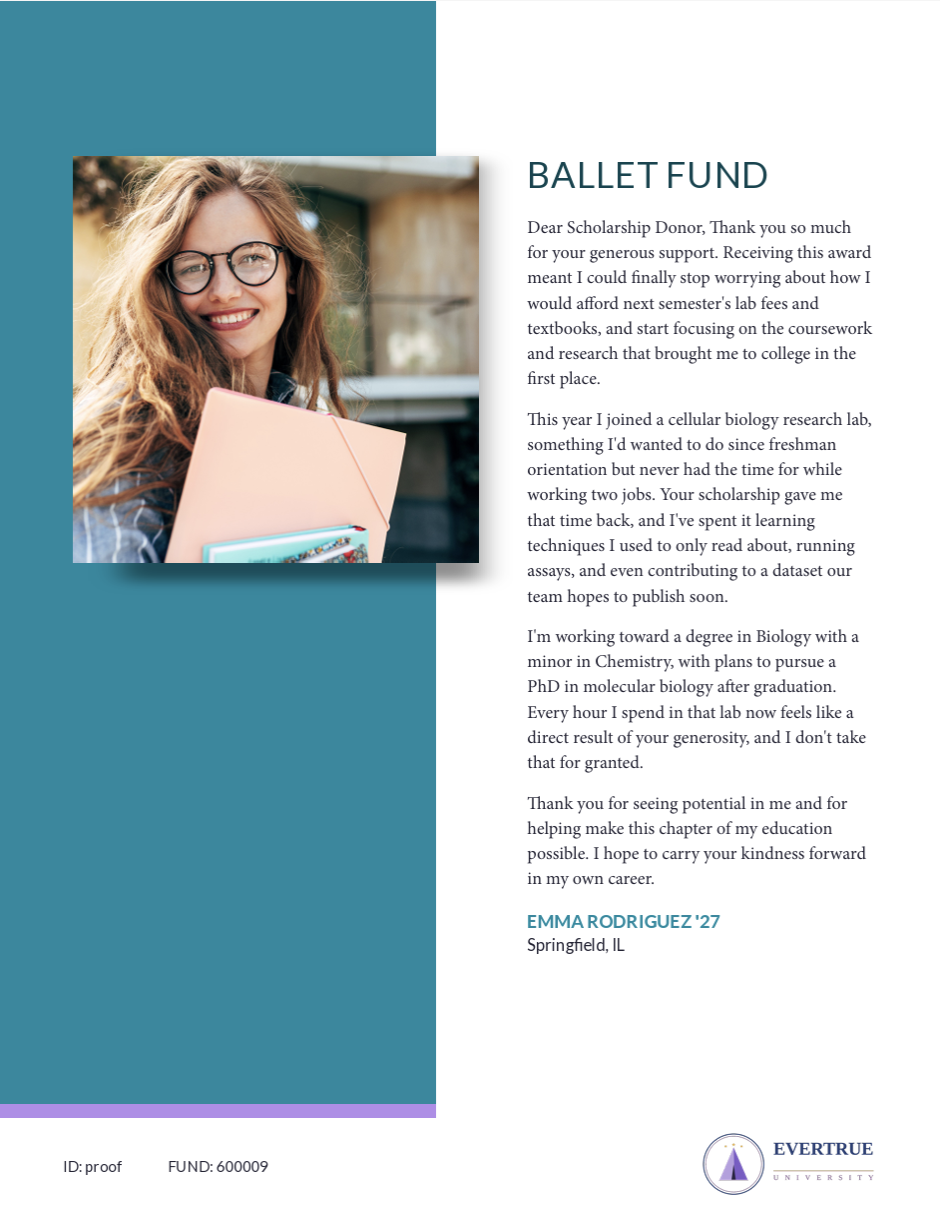
Thank You (vertical): Used for populating a Thank You message (4 paragraphs) for any fund recipients for a specific reporting period.
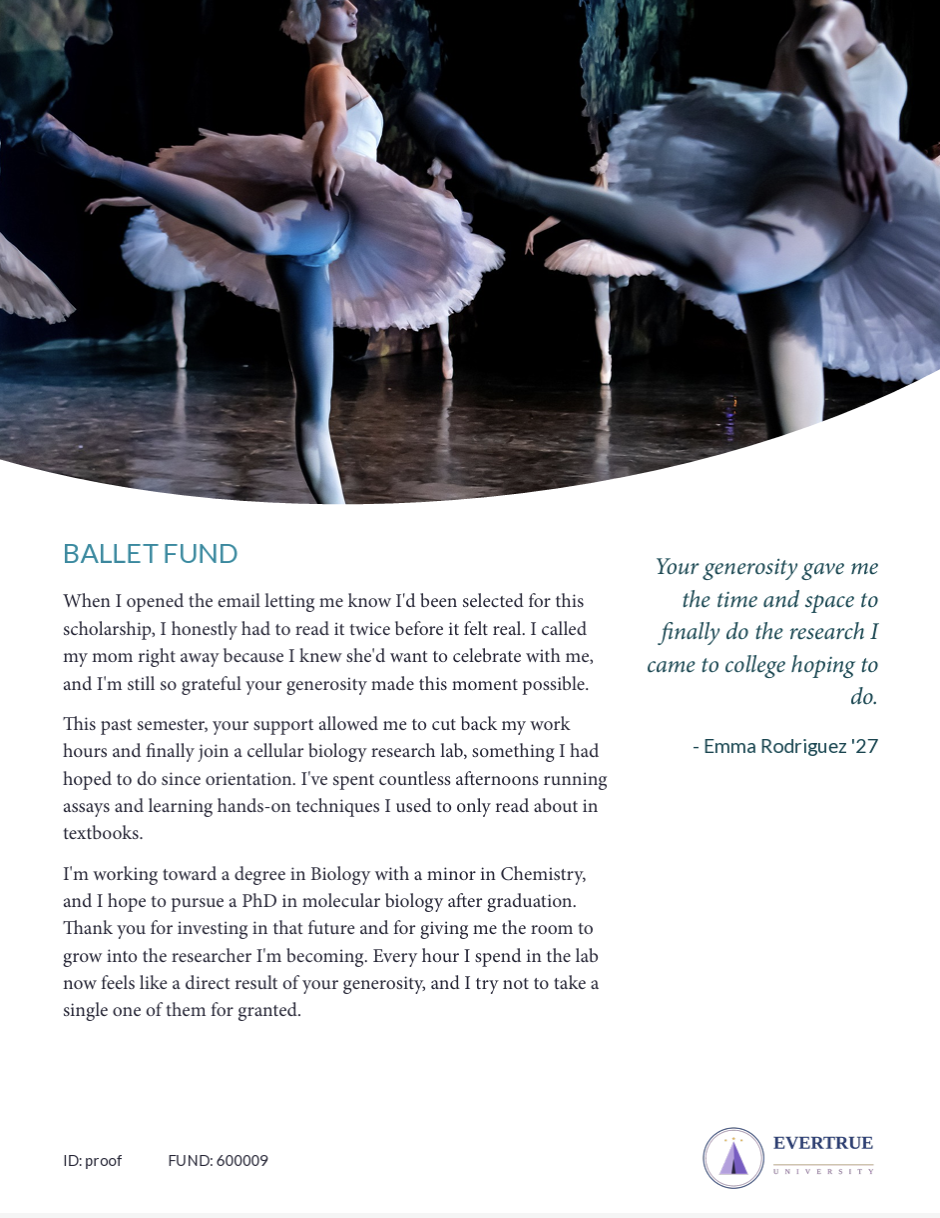
Narrative + Quote: Used for populating a Narrative message (4 paragraphs) + highlighted quote for any fund recipients for a specific reporting period.
Impact statements are connected to a recipient's record using an import template (Microsoft Excel) and connected with a specific fund; there may be multiple statements associated with one fund.
Your organization's branding colors will automatically be applied to each layout.
The options for impact statement layouts are shown below:
Format Option 1 - Recipient Page
Format description: Recipient Page is designed for listing scholarship recipients. The Recipient information includes Name, Hometown, Major and Class Year. The template will tie the student recipient to the fund ID. There is also an option to add fund specific bullets to the top of this page through the Recipient Bullet import.
Format Option 2 - Question & Answer
Format description: Question and answer format, designed for scholarship recipient impact information. Organization provides 5 questions that are standard for all recipients; student/scholar-specific answers are loaded via a flat file tied to Fund #. Student photo can be specific to the student, a stock photo or removed entirely. The larger (top) photograph will be static for all funds using this template.
Format Option 3 - Thank You Vertical
Format description: Allows for 4 paragraphs of text in 1 column. Student photo can be specific to the student or a stock photo. Can be used for either a scholarship recipient or general department impact statement.
Format Option 4 - Thank You Horizontal
Format description: Allows for 5 paragraphs of text over two columns. Also displays an recipient name (this can be hidden if using a photo that does not display a person). Can be used for either a scholarship recipient or general department impact statement. Photo is fund and recipient specific.
Format Option 5 - Narrative & Quote
Format description: Allows for 3 paragraphs of text and a one paragraph quote. Can be used for either a scholarship recipient or general department impact statement. Photo is fund and recipient specific. If there is no quote provided, the formatting related to the quote will not be visible.
Reply
Content aside
- 6 mths agoLast active
- 35Views
-
1
Following