
FAQ: How Do I Log into Impact?
When you're added as a user to an Impact database, you should be provided with a unique URL, username, and password by an administrator. If you don't have your unique URL or need help, contact your database administrator or support.impact@evertrue.com.
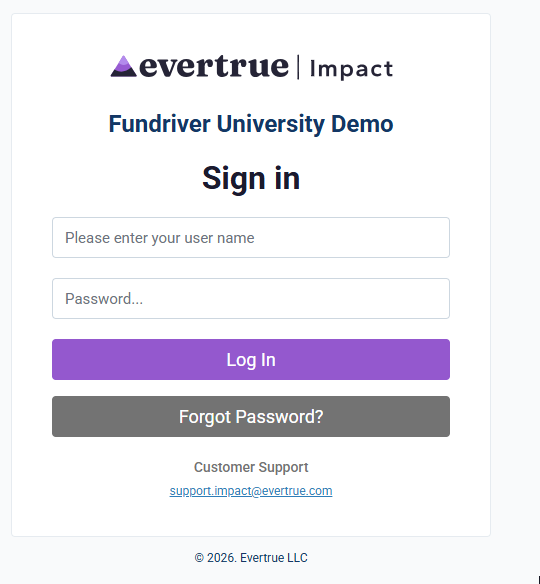
Navigate to the login page using your URL. Enter your username and password, then click 'Log In'.
Multi-factor authentication (MFA) will require a user to complete additional verification steps the first time they log on from an unfamiliar (unregistered) computer or browser. You'll be prompted to receive an access code via email or text and will need to enter that code to access your database.
Resetting Your Password
If you are unsure of your password, please use the Forgot Password button on the login page to reset your password. You'll be prompted to input your username then you'll have the option to receive a verification code via email or text message, depending on the Multi-Factor Authentication (MFA) information you've setup.
You'll input the verification code once received, create a new password, then you'll be logged in!
Having Trouble Logging In?
Please contact your database administrator or support.impact@evertrue.com for assistance.
Reply
Content aside
- 3 wk agoLast active
- 16Views
-
1
Following